
Your products.
Your store.
Your style.
Simplify.
Scale.
Succeed.
You have products people will love. Build a store that brings them to life — from your brand story and product catalog to your first demo storefront.
Start your setupSign in with Google. No new password.
Find your kind of business ↓



See your business
in these stories.
Every business has its own details. Choose your category and see how you can tell your store’s story.
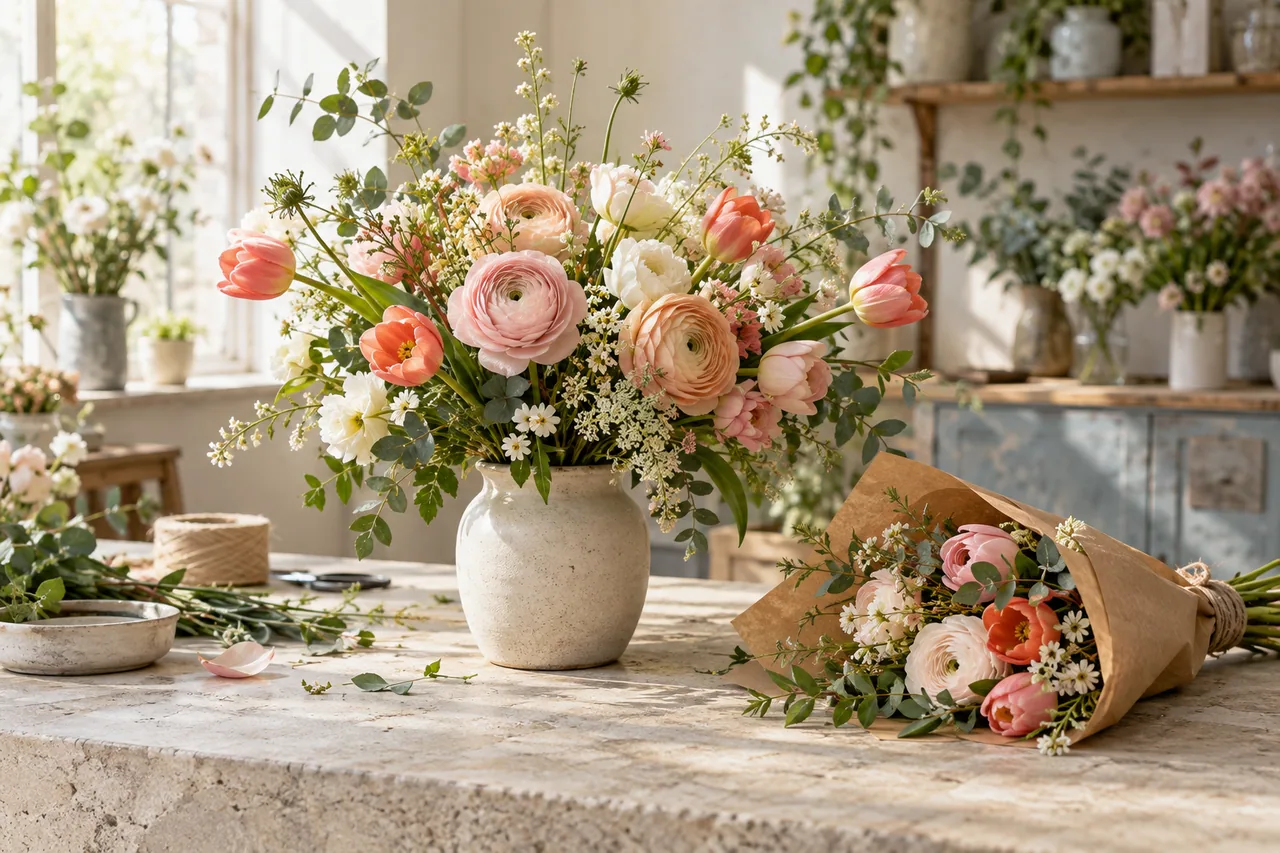
Flowers for every occasion. A store for your business.
Help shoppers find a bouquet for a special moment. Organize collections, share your studio’s story and explain delivery and pickup options up front.
- Collections by occasion
- Bouquet photos and descriptions
- Delivery and pickup
Small occasions. Big feelings.
Bouquets that say it for you.
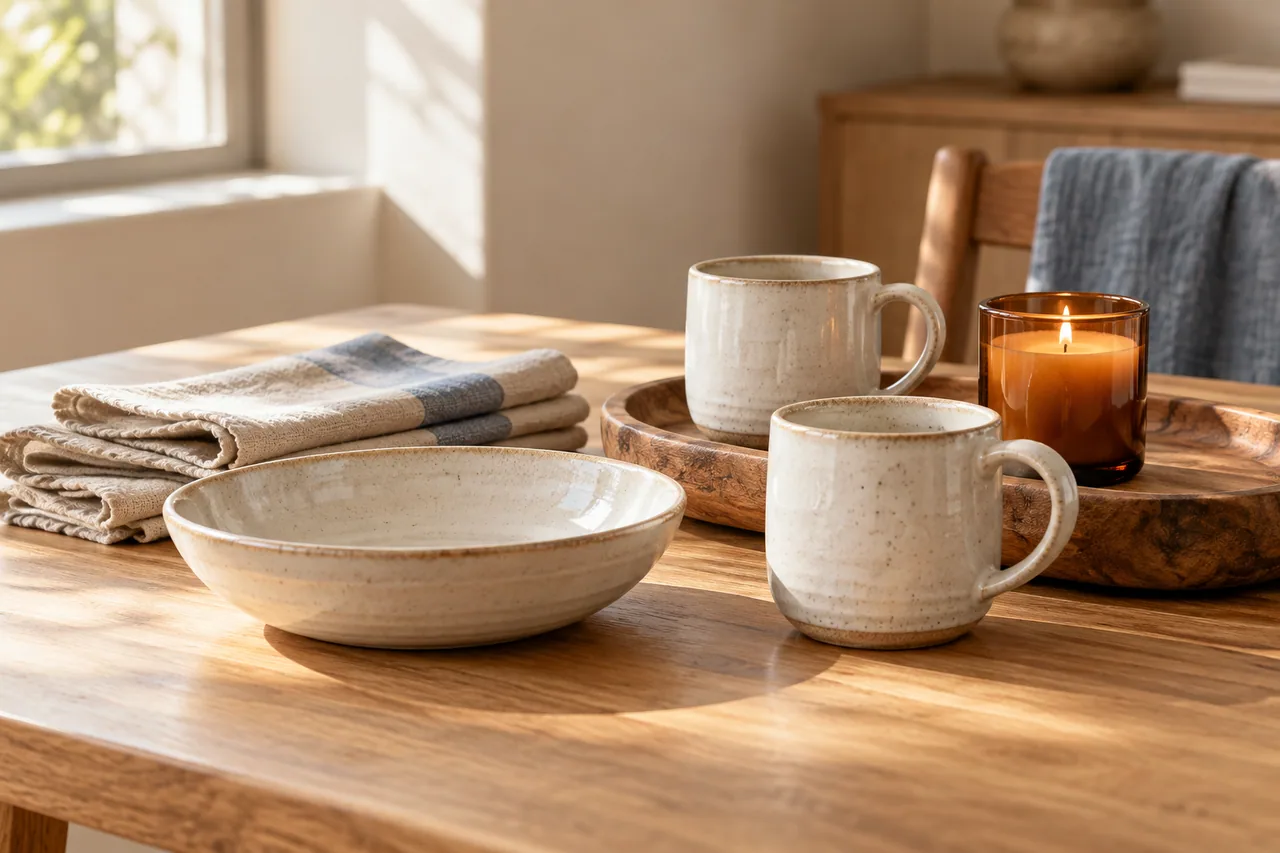
Thoughtful pieces make a home. Your store helps people find them.
Show how your pieces bring something special to everyday life. Create clear collections and add photos, materials and the details that make them worth choosing.
- Collections for every room
- Materials in product descriptions
- A consistent brand style
A home is made of things you love.
Thoughtful textures for everyday living.
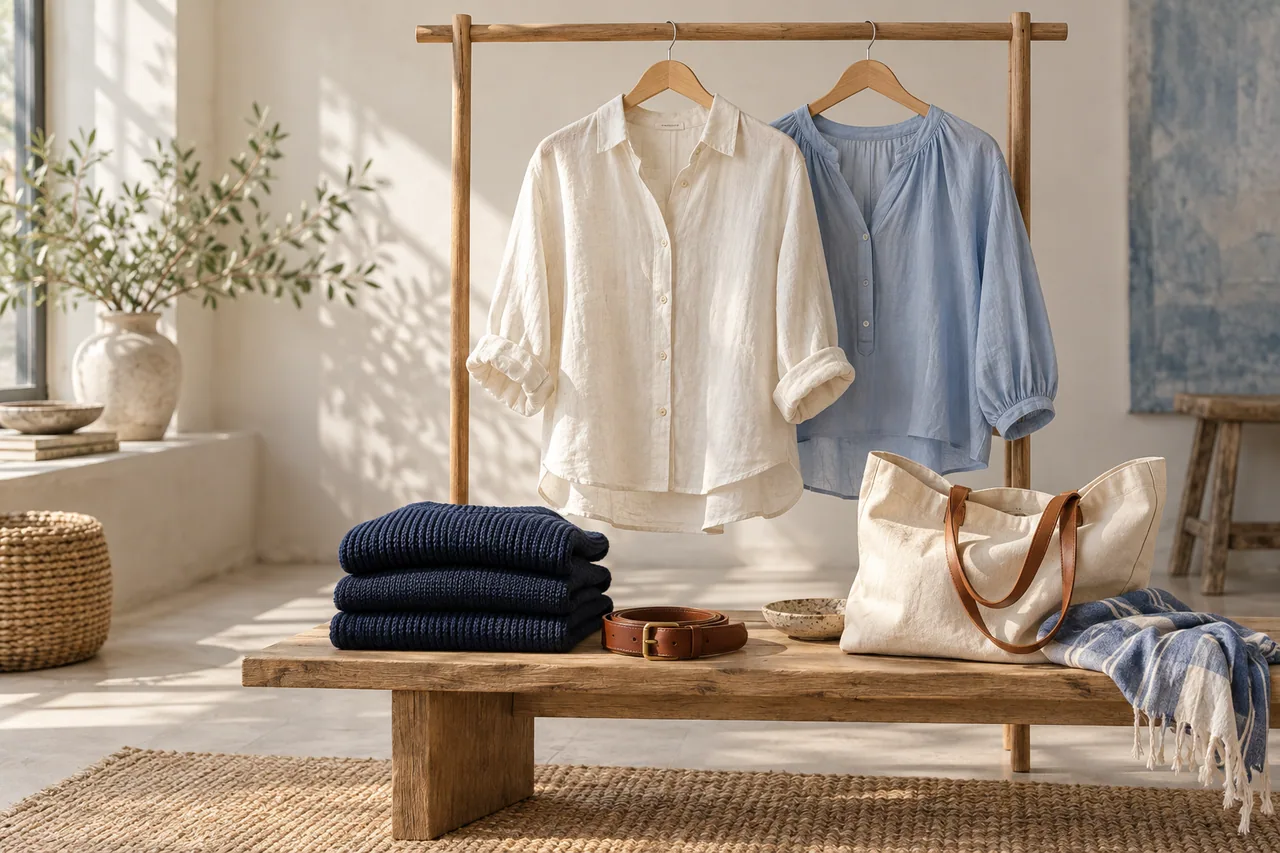
Your collection has style. Your store will too.
Bring your collection together with photos, sizes, colors and your brand story. Clear navigation and return terms help shoppers choose with confidence.
- Product sizes and colors
- Collections and categories
- Clear return terms
Wear your style. Feel like yourself.
Your collection. Your take on style.
Care starts with the details. Trust starts with clear descriptions.
Tell your brand and product story without exaggerated promises. Add ingredients and directions, create clear categories and make it easy to ask questions.
- Detailed product descriptions
- Brand story and voice
- Contact details for questions
A little ritual. Time for yourself.
Products worth getting to know.
Special jewelry deserves a special presentation.
Let shoppers explore the details and discover your collection’s story. Photos, materials, product options and clear return terms help them picture a piece before buying.
- Detail photos
- Materials and options
- Collection stories
Details that become personal.
Jewelry for everyday moments and lasting memories.
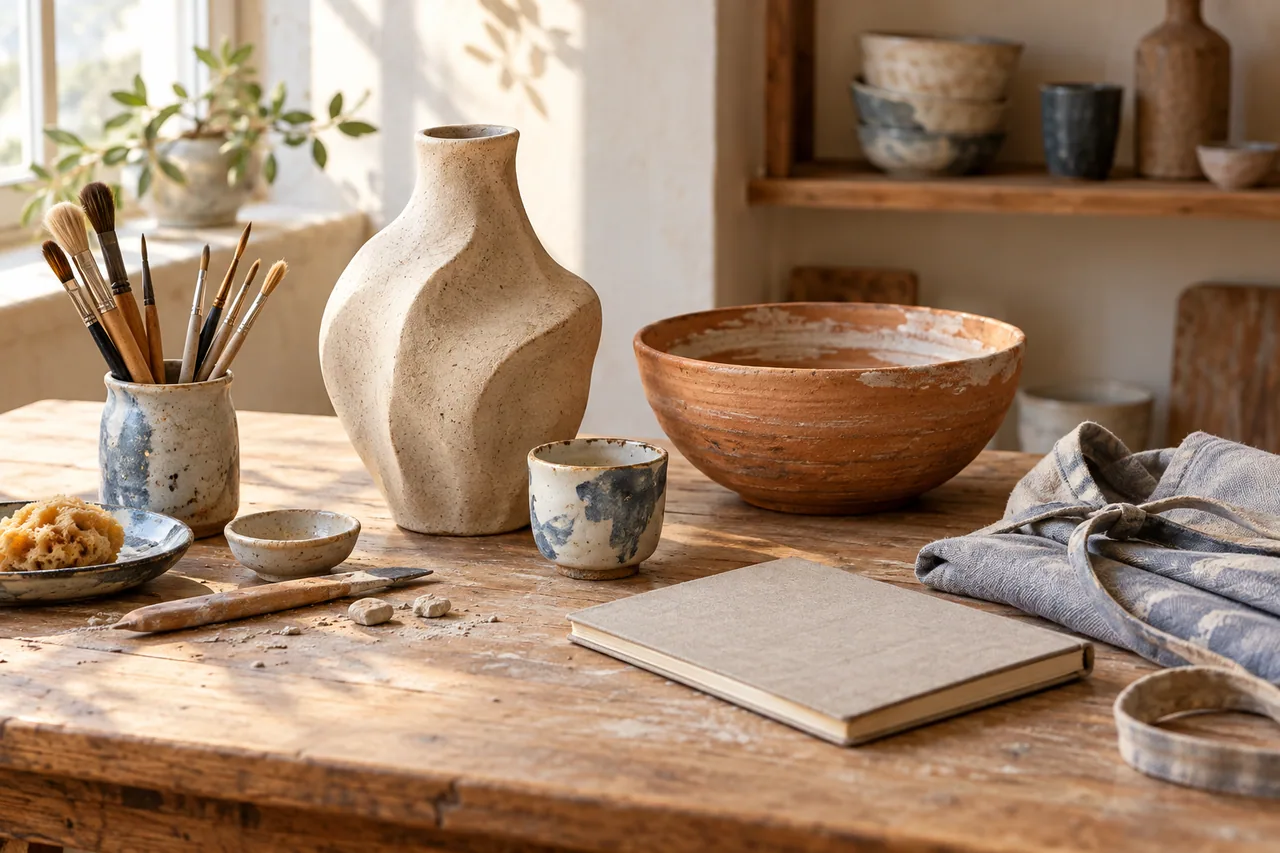
Made by your hands. Presented in your voice.
Show the piece and the person behind it. Share your process, add photos and bring your original collections together in a store with its own character.
- The maker’s story
- Descriptions for unique pieces
- Original collections
A little of the maker in every piece.
Pieces with a story and the maker’s touch.
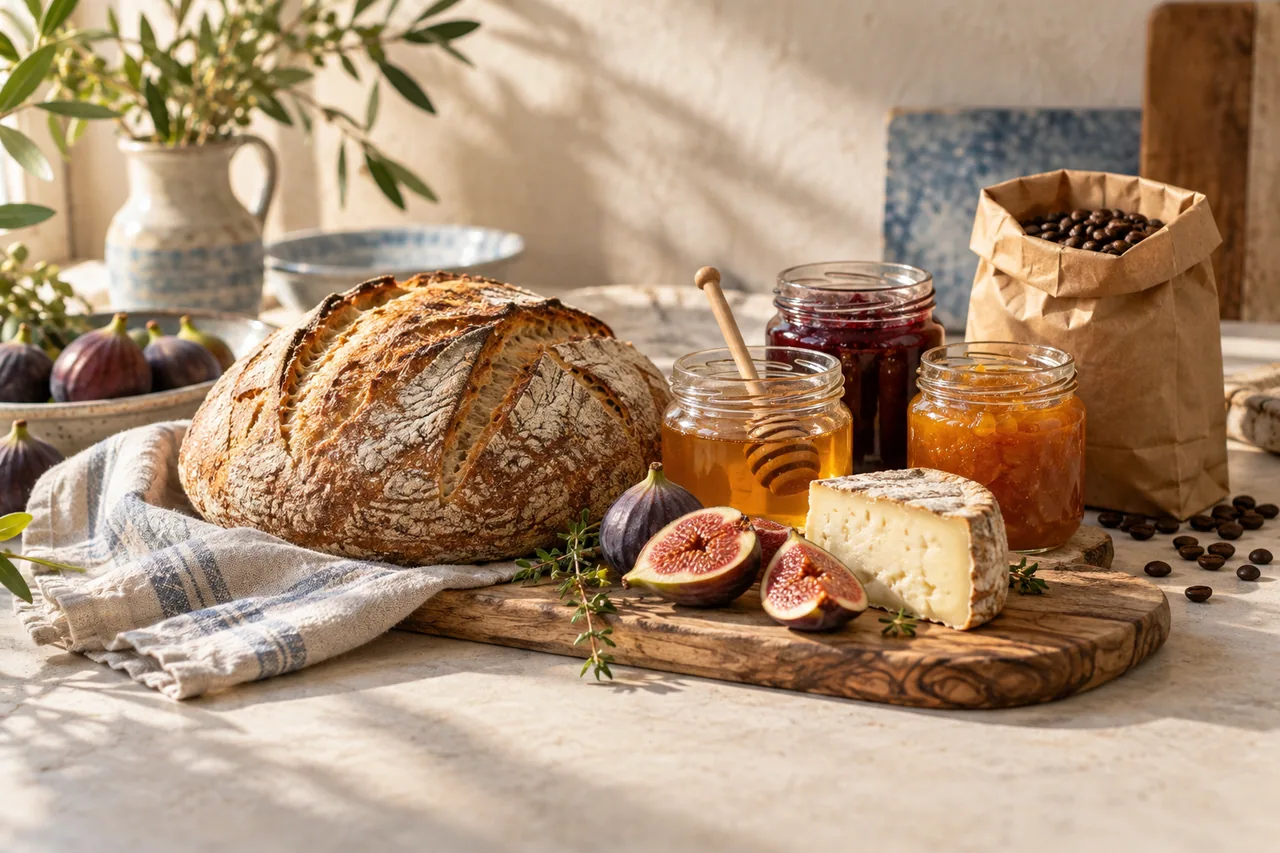
Great taste starts with a clear choice.
Create a tidy catalog of products and bundles. Include ingredients, weight and product details, share the producer’s story and explain how customers receive their orders.
- A catalog of products and bundles
- Ingredients and weight information
- Delivery and pickup terms
Great taste. A maker you know.
Products with a business behind them.
Clearer choices. A better organized catalog.
Organize your range into categories and add SKUs, photos and specifications. Explain delivery terms and give shoppers a way to ask product questions.
- Categories and SKUs
- Specifications in product descriptions
- Delivery and support
Technology made easy to understand.
The details you need before you decide.
One thing at a time.
Clear steps along the way.
The setup guide breaks the work into eight steps. Start with what’s ready and return to the rest at your own pace.
- 1Brand story
- 2Business profile
- 3Appearance
- 4Pages
- 5Product catalog
- 6Payment and delivery
- 7Store assistant
- 8Review and demo launch
First, your story.
Then the details.
It all comes together.
Tell your story. Upload products and photos. Choose a design, prepare your pages and review your settings before launching a demo.
- Start with an existing Excel or CSV file
- Edit your products and copy
- Progress is saved in your account
 Your store
Draft saved
Start with what mattersWhat do you create, and why does it matter to you?
Setup features. You can change the interface language.
Your products are ready.
Give them a store of their own.
Sign in with Google and start with your store’s story.
You don’t need everything ready in advance.
Perhaps,
you’d like to know.
Where to start and what’s available in the test version.
What businesses is this setup guide for?
For US stores selling physical products: flowers, home goods, apparel, beauty products, jewelry, handmade goods, food and electronics. Store settings use US addresses and dollar prices. The interface language is selected by country and can be changed manually.
What do I get when I sign up?
Your own workspace with a setup guide, product catalog, page editor and saved drafts. Follow the steps, create a demo storefront and try the customer journey with a cart and test order.
Do I need all my materials ready before I start?
No. Start with your store’s name and story, then add products, photos and other settings. Progress is saved in your account: pick up where you left off the next time you sign in with Google.
Can I upload an existing catalog?
Yes. Import Excel or CSV files, edit products and upload images. Check categories, SKUs, prices and descriptions after importing, before creating your storefront.
Can my store accept real payments right away?
This is a test version: orders and payments are simulated, and no real money moves. Live payments, carrier rates and full generative AI require separate integrations. The setup guide helps prepare and review your store data first.
How do I create an account?
Click “Start your setup” and sign in with Google. The same button creates your account and signs you in later; you don’t need a new password. Email sign-in isn’t available yet.